By the end of this guide you will know exactly how to request a fi222 withdraw, what documents to upload for KYC, how long the process takes, and what to do if something goes wrong.
- Min Withdrawal
- ৳1,100
- Daily Limit
- ৳2,35,000
- Processing Time
- ~25 min
- KYC Review
- ≤ 24 hrs
Withdrawal Limits on fi222
These numbers apply to your fi222 account regardless of which payment method you pick.
| Parameter | Amount / Time | Notes |
|---|---|---|
| Minimum single withdrawal | ৳1,100 | Requests below this amount are declined automatically |
| Maximum daily withdrawal | ৳2,35,000 | Resets at midnight UTC+06 |
| Standard processing time | ~25 minutes | After KYC is approved |
| First-time withdrawal | Up to 6 hours | Extra check on the first request per account |
| KYC document review | Up to 24 hours | Usually faster during business hours |
Payment Methods at fi222
Withdraw to any method you used for depositing. Processing times below are from the moment fi222 approves your request.
| Method | Min Deposit | Deposit Arrival | Min Withdrawal | Withdrawal Time | Fee |
|---|---|---|---|---|---|
| bKash | ৳450 | ~1 minute | ৳1,100 | ~25 minutes | None |
| Nagad | ৳450 | ~1 minute | ৳1,100 | ~25 minutes | None |
| Rocket | ৳450 | ~1 minute | ৳1,100 | ~25 minutes | None |
| Upay | ৳450 | ~1 minute | ৳1,100 | ~25 minutes | None |
| Bank Transfer | ৳450 | ~1 minute | ৳1,100 | ~25 minutes | None |
Your withdrawal must go to an account registered in your own name. Third-party accounts are rejected.
How to fi222 Withdraw — Step by Step
Complete your KYC first (see the section below). Once verified, the process takes under two minutes to request.
-
1
Log in to your fi222 account
Go to fi222 Login and enter your mobile number and password. Use the fi222 App if you are on your phone — it is faster.
-
2
Open the Cashier section
Tap your balance at the top of the screen, then select "Withdraw" from the cashier menu. You will see your verified payment methods listed.
-
3
Choose a payment method and enter the amount
Pick bKash, Nagad, Rocket, Upay, or Bank Transfer. Type an amount between ৳1,100 and your remaining daily limit (up to ৳2,35,000).
-
4
Confirm your account number
Double-check the mobile wallet number or bank account. This must match the number registered to your fi222 account. Wrong numbers cannot be redirected after submission.
-
5
Submit and wait for approval
Hit "Confirm Withdrawal". Standard requests arrive within about 25 minutes. Your first-ever withdrawal may take up to 6 hours while the security team completes the initial review.
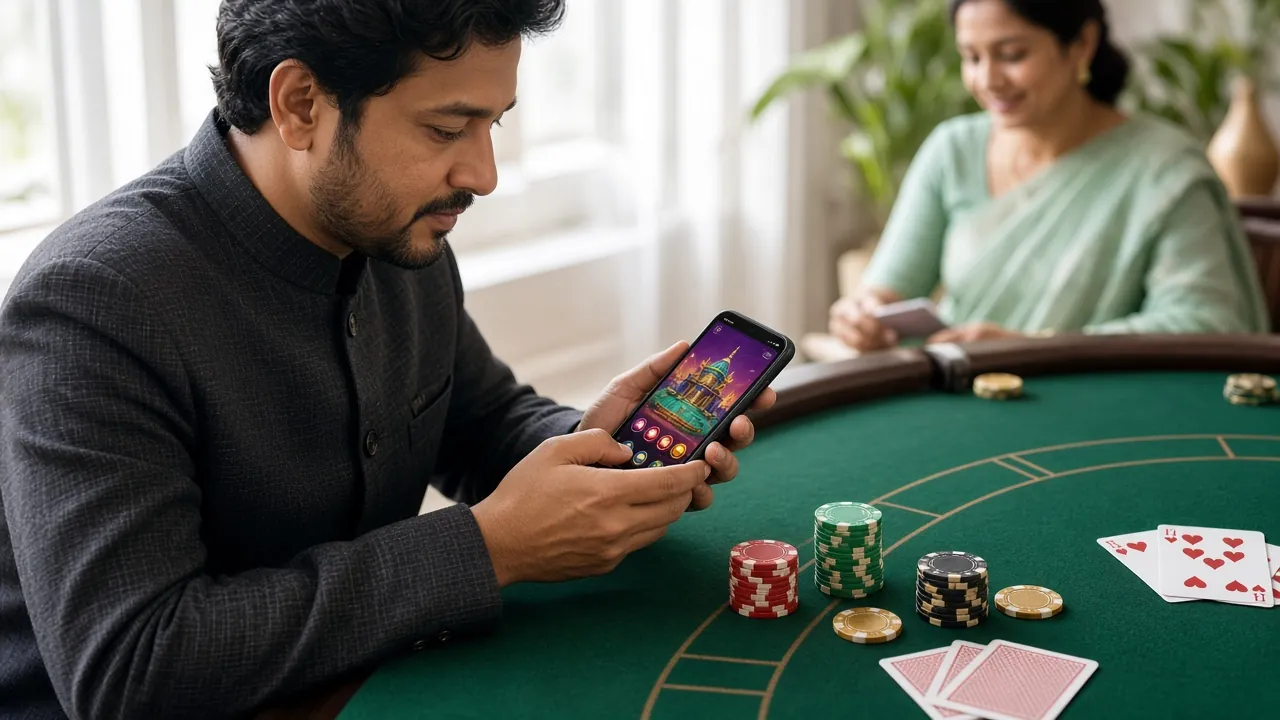
What Happens After You Submit
Once you tap "Confirm Withdrawal", your request enters the fi222 payout queue. The system checks your KYC status, your account balance, and whether any active wagering requirement applies.
Approved requests are pushed to bKash, Nagad, Rocket, Upay, or your bank within about 25 minutes. You will receive an SMS or in-app notification when the transfer is complete.
If your request stays "Pending" for more than an hour, contact fi222 support via 24/7 Live Chat with your transaction reference number.
KYC on fi222 — Why It Is Required
KYC (Know Your Customer) is an identity check that fi222 carries out before processing your first withdrawal. It confirms that your account belongs to you, that you are 18 or older, and that your payment details match your identity.
You do not need to complete KYC to play games or make deposits — but you cannot receive a payout until it is done. Starting early saves time later when you actually want to cash out.
Accepted KYC Documents at fi222
Submit any one of the following government-issued photo ID documents. All must be valid (not expired) and show your full legal name clearly.
Your NID is the fastest option because fi222's verification team can cross-reference it quickly. Passport and driving licence are equally accepted — just make sure both sides are uploaded if the document has information on the reverse.
KYC Upload Steps
The whole upload process takes about three minutes if your photos are ready.
-
1
Go to Account Settings
Log in to fi222, tap your profile icon, then select "Verification" or "KYC". You will see the current status of your identity check.
-
2
Select your document type
Choose National ID Card, Passport, or Driving Licence from the dropdown. This tells the team what to look for when they review your upload.
-
3
Upload front and back photos
Take a clear, well-lit photo of both sides. File format: JPG or PNG, file size under 5 MB per image. Avoid shadows and blurry shots — they cause rejection.
-
4
Submit and wait for review
Tap "Submit Documents". The fi222 verification team reviews submissions within 24 hours. You will get a notification once your account is verified — after that, withdrawals process normally.
Photo Requirements for KYC
These requirements are what fi222's review team checks first. Meeting them avoids the most common rejection reasons.
- All four corners of the document must be visible in the frame — no cropping
- The image must be in focus — text and your face must be legible at 100% zoom
- Shoot in natural or bright indoor light — avoid direct flash which creates glare on laminated IDs
- No filters, no editing, no black-and-white — submit the original colour photo
- Your name, date of birth, and document number must all be readable
- Upload both sides if the document has text on the back (NID always requires both sides)
- File size: 100 KB to 5 MB. Format: JPG or PNG only
What to Avoid
These are the things that cause photos to fail the automated check before a human even reviews them.
- Screenshots of a photo — always upload the original image file
- Holding the document at an angle — lay it flat on a plain surface
- Fingers covering part of the ID number or face photo
- Expired documents — the expiry date must be in the future
- Damaged or heavily worn documents where text is unreadable
- Submitting someone else's ID — the name must match your fi222 account registration name
Why Withdrawals Get Declined — and What to Do
Most declined fi222 withdrawals fall into one of these categories. Each has a clear fix.
-
KYC not completed Fix: submit your NID, Passport, or Driving Licence via Account Settings. Verification takes up to 24 hours.
-
Amount below the ৳1,100 minimum Fix: add more funds or accumulate more winnings until your withdrawable balance reaches ৳1,100.
-
Daily limit already reached (৳2,35,000) Fix: wait for the daily limit to reset at midnight (UTC+06), then resubmit. VIP tiers have higher daily caps.
-
Active bonus wagering requirement not met (25×) Fix: continue playing until you have met the rollover. The cashier shows your current progress. You can also forfeit the bonus if you prefer — this removes the restriction but also removes the bonus balance.
-
Withdrawal account does not match your name Fix: use a bKash, Nagad, Rocket, Upay, or bank account that is registered to your own name. Contact support via 24/7 Live Chat if you need to update your payment details.
-
Incorrect account number submitted Fix: withdrawals go to exactly the number you entered. Contact fi222 support immediately at [email protected] — once a transfer is sent, it cannot be recalled.
Your KYC Data & Privacy
fi222 collects identity documents solely for the purpose of verifying your account and preventing fraud. Your NID, Passport, or Driving Licence scan is stored on encrypted servers and is never shared with third parties except where required by applicable law.
Only the fi222 compliance team has access to KYC documents. Access is logged and audited. Documents are retained for as long as your account is active, plus the period required by regulations, then securely deleted.
If you have questions about how your data is handled, email [email protected] or read the full fi222 Privacy Policy.
- AES-256 encrypted document storage
- SSL/TLS on all data transfers
- Access restricted to compliance team only
- No sale or sharing with advertisers
- 24-hour deletion request via support
Questions Players Ask About fi222 Withdrawals
What is the minimum amount I can withdraw from fi222?
How long does a fi222 withdrawal take?
Can I withdraw before completing KYC?
My KYC was rejected — what do I do?
Can I withdraw to a bKash number that is not in my name?
What is the daily withdrawal limit on fi222?
I withdrew to the wrong bKash number — what should I do?
Do I need to complete KYC again if I change my payment method?
Can I withdraw winnings from a bonus?
How do I check my withdrawal status?
- 18+ · Play Responsibly
- SSL Encrypted
- 24/7 Live Chat Support
- bKash · Nagad · Rocket · Upay · Bank
- Withdrawals in ~25 Minutes
Ready to Open Your fi222 Account?
Register now, complete KYC once, and withdraw your winnings whenever you like — straight to bKash, Nagad, Rocket, Upay, or your bank.